


Featured images gallery
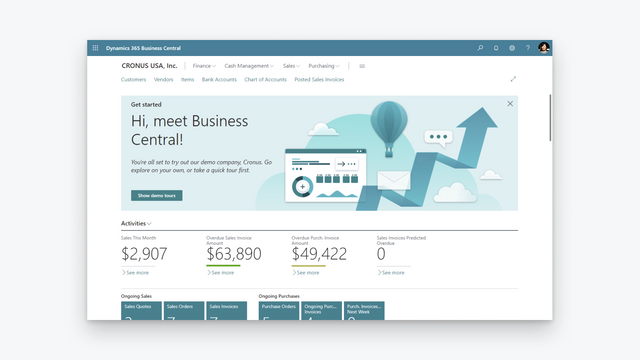

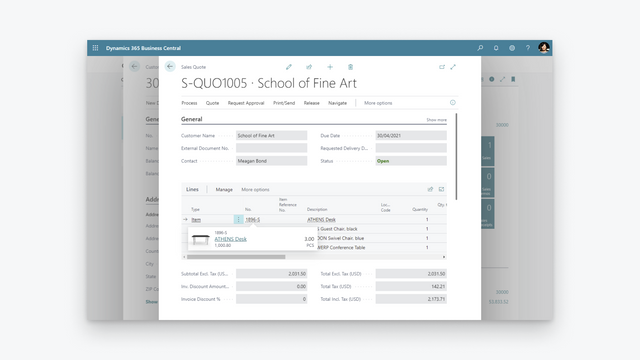

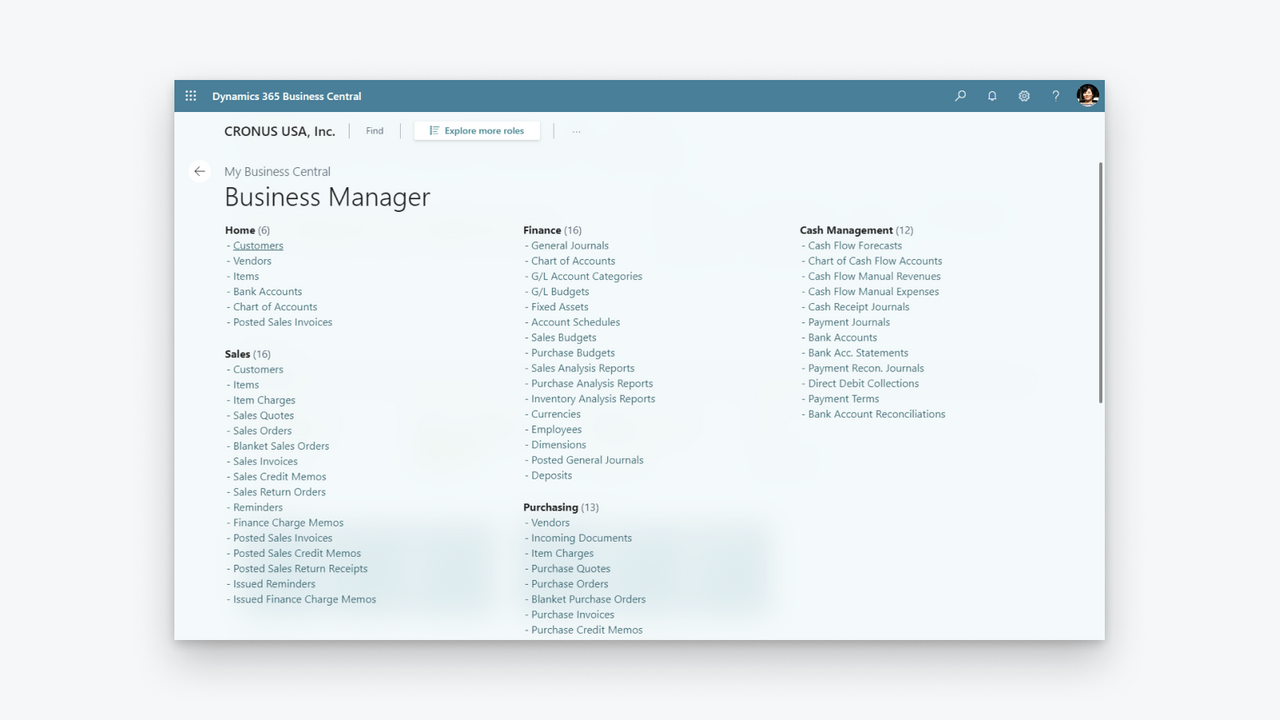
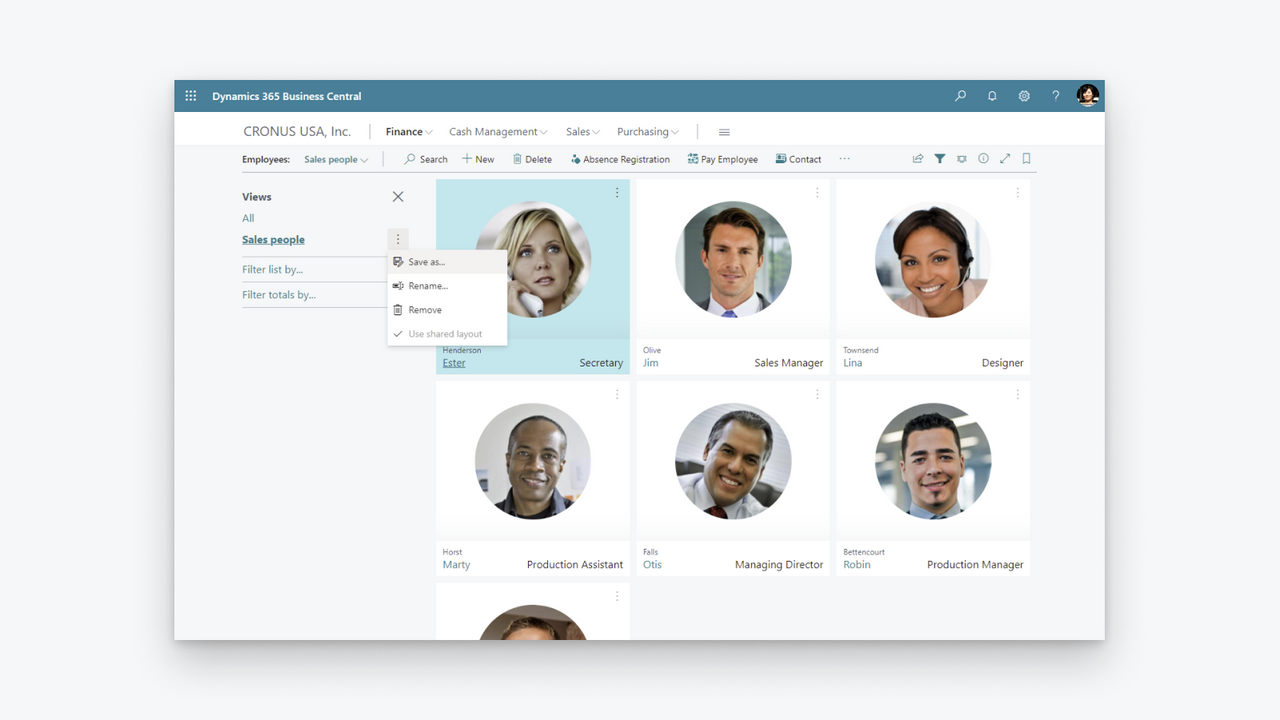
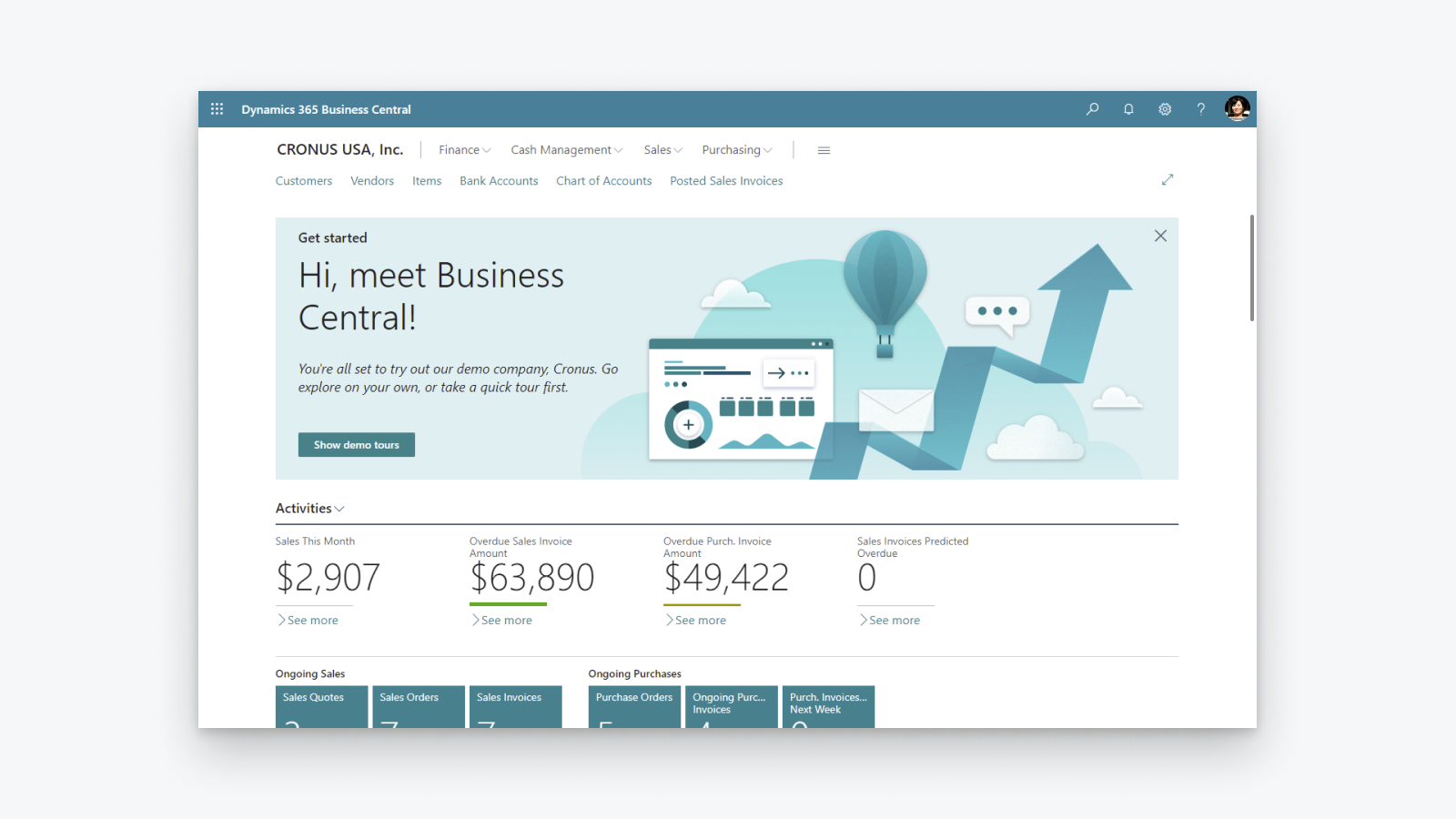

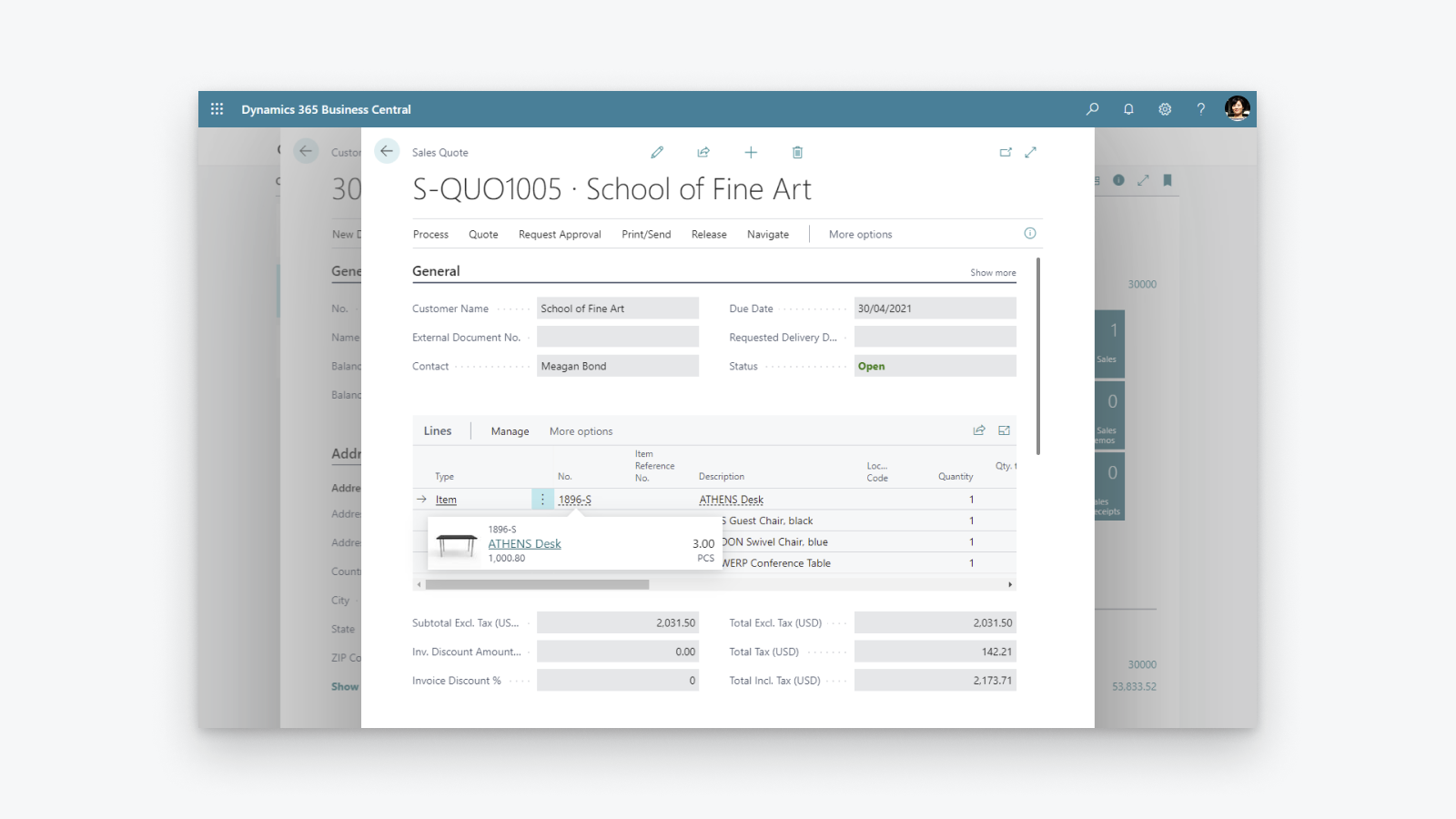
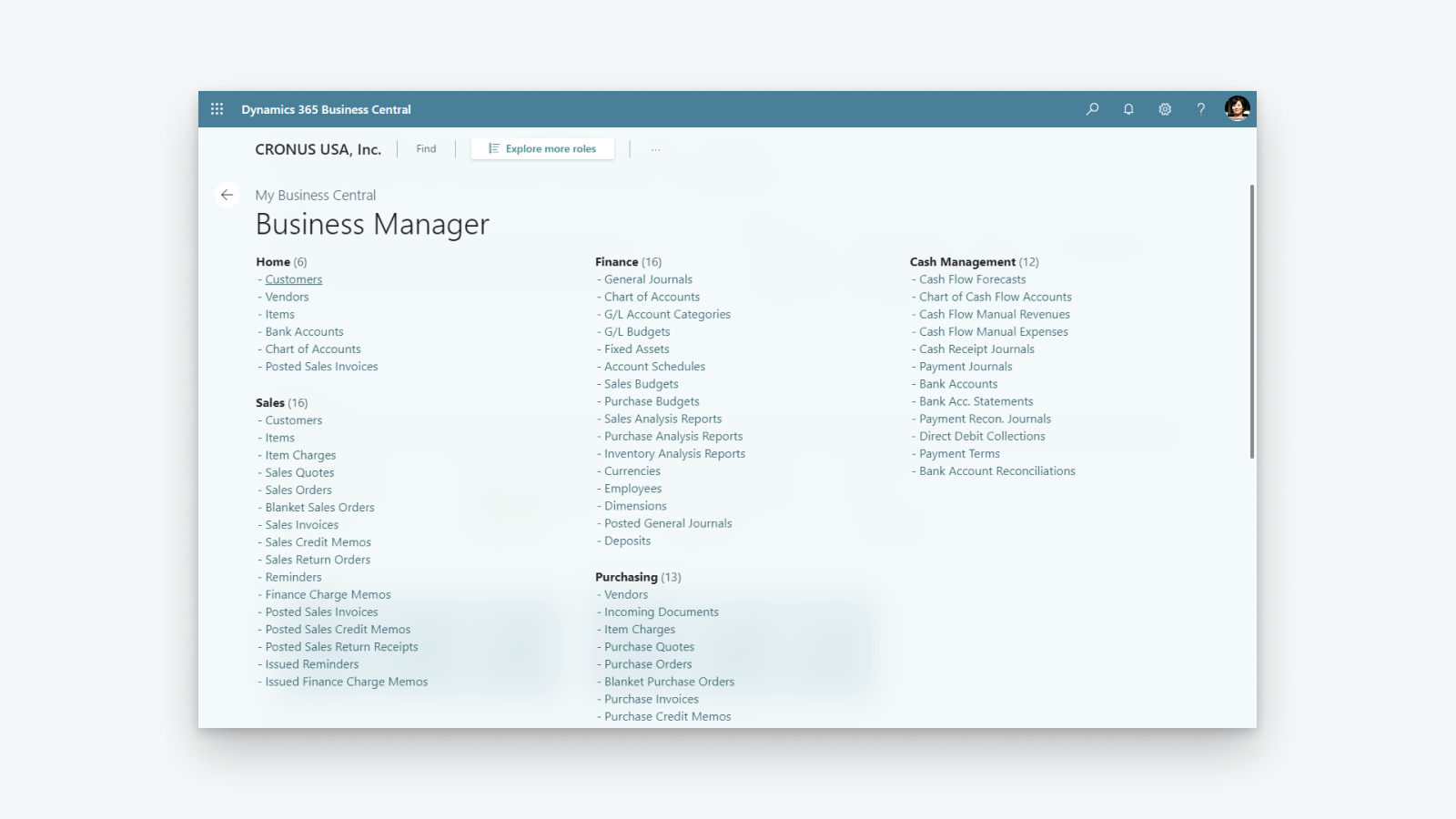
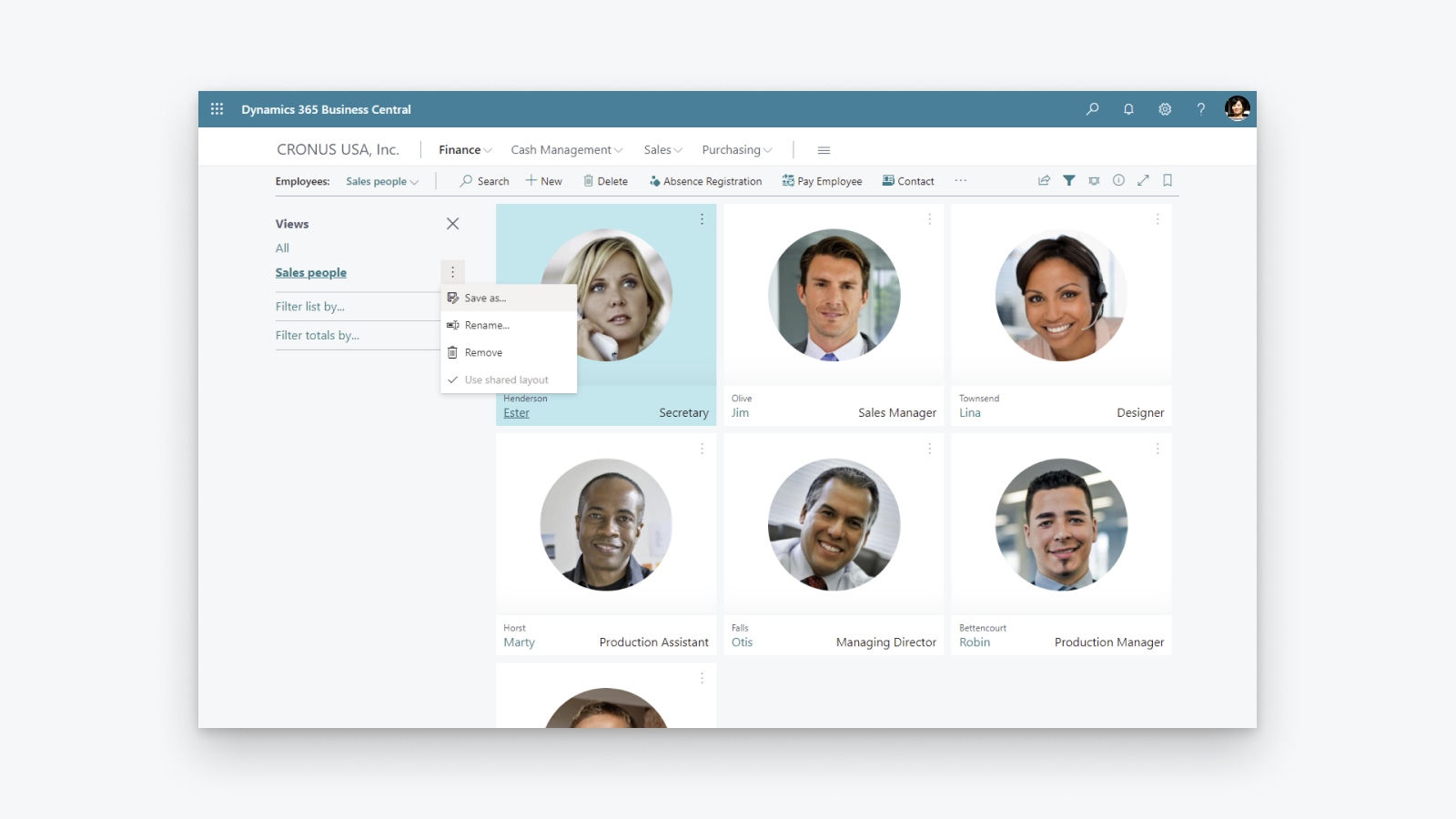
Comprehensive business management solution that helps small and midsized companies.
Increase financial visibility: get overview of your profit and costs, be in control of your tax calculation and reporting. Optimize inventory: deliver products on time and adapt to changing business models with visibility across purchasing, manufacturing, inventory, and warehouses. Unlock business insights: get overview of your inventory value, use AI to predict future sales, setup automatic ordering of products and be in control of costs.
- Support for more than one Shopify shop, sales channel, location.
- Bi-directional synchronization of items or products.
- Synchronization of inventory levels.
- Bi-directional synchronization of customers and companies.
- Import of orders from Shopify and send fulfillment information to Shopify.
Languages
English
Categories
Financial reports
Financial operations
Automated data sync
Order processing
Inventory management
Pricing
Choose the plan that best fits your business.
External charges may be billed by Microsoft separately from your Shopify invoice. Learn more
Free
Free
All charges are billed in USD. See all pricing options
Reviews (23)
Really good integration, there are some limitations, but for a free addon I feel it's very stable.
There are alot of quality of life things that make it easier, but there are some downsides, like BOM handling and syncing lead times (for out of stock items) doesn't work out-of-the-box.
Thank you for your kind words and for using the Shopify Connector! We are glad to hear that the integration has been stable for you.
We appreciate the feedback on BOM handling and lead time synchronization. If you would like to see these capabilities added, we encourage you to submit your suggestions at https://aka.ms/BCIdeas. This helps us prioritize future improvements based on customer demand.
Kind regards,
Microsoft Dynamics 365 Business Central engineering team
We have been using the system without any issues for a few months, but after the recent product synchronization, Business Central is no longer mapping the products correctly.
We are still receiving orders; however, they come through without SKUs—only product titles. As a result, sales orders are not being created automatically.
What’s more, the system is not showing any errors in the log entries, even though some products are not mapped and others are not synchronized at all.
At this point, we’ve reached a dead end and had to manually map all 600 SKUs, which is extremely time-consuming and frustrating.
Thank you for taking the time to share this feedback.
We are sorry to hear about the product mapping issue. We recommend reaching out to your Microsoft partner so they can review your Shopify Shop Card configuration and sync log entries to help identify why SKUs are no longer mapping correctly after the product synchronization.
If you have suggestions for improving error visibility in these scenarios, please share them at https://aka.ms/BCIdeas.
Kind regards,
Microsoft Dynamics 365 Business Central engineering team
When we enter the Shop URL in Business Central and click Enable, the system starts the OAuth authorization process but gets stuck on “Waiting for a response – do not close this page.” After some time, we receive the error “No Access token for the store. Please request an access token for this store.”
This issue occurs even when the Shopify Store Owner attempts the connection. We have already checked browser settings, pop-ups, cookies, and tried different browsers and incognito mode, but the OAuth authorization still does not complete.
We would like assistance in resolving the OAuth authentication issue so that the Shopify store can successfully generate the access token and be enabled in Business Central.
Thank you for reaching out,
The symptoms you are observing are usually related to an incorrect Shopify Admin URL. Recently, we have noticed this occurring with trial stores after merchants configure a new URL. To address this, we are rolling out an enhancement that will detect the use of redirect URLs and provide better guidance. In the meantime, please try the workaround provided below.
The trial stores (in the past we saw similar behavior with Shopify Plus Sandboxes) are pre-provisioned by Shopify with some interim URL, like xxxxxx-xx.myshopify.com (where x is any letter or number), the fact that store gets new URL later doesn't change the fact that inside it is still considered as xxxxxx-xx.
The biggest challenge is to figure out the url to use in the Shopify Connector. I suggest to open Shopify Admin, navigate to Setting and then to Domains. You will see all domains associated with your store. If you see something like xxxxxx-xx.myshopify.com - it worth trying it out.
As a side note, do you work with a Microsoft partner? They are a valuable resource and can assist at different stages of implementation. If there is a problem that the partner cannot resolve, they can submit a support request to Microsoft.
Kind regards,
Business Central Development Team
Support
App support provided by Microsoft.
Resources
Launched
April 29, 2022
Data access
This app needs access to the following data to work on your store. Learn why in the developer's privacy policy .
View customer data:
Sensitive data, device and activity data
-
Sensitive data
Name, email address, phone number, physical address
-
Device and activity data
Geolocation, IP address, browser and operating system
View staff and contributor data:
Store owner, staff members
-
Store owner
Name, email address, phone number, physical address
-
Staff members
Name, email address, phone number
View and edit store data:
Customers, products, orders, discounts, staff accounts, Shopify Payments, Online Store, Shopify admin
-
Edit customers
Customer data
-
Edit products
Inventory, products, publications of products on sales channels, collections
-
Edit orders
Assigned fulfillment, draft orders, order fulfillments, merchant managed fulfillment, order edits, all order history, returns, shipping information, third-party fulfillment
-
View discounts
Discount codes and promotions
-
View staff accounts
Staff accounts
-
View Shopify Payments
Shopify Payments accounts, Shopify Payments payouts, Shopify Payments disputes
-
View Online Store
Checkout page
-
Edit Shopify admin
Files
-
Edit other data
Locales, locations, Shopify Markets settings, payment terms, translations
Featured in

More apps like this



Meets our highest standards for performance, design, and integration. Learn moreOpens in new window


