


Featured images gallery


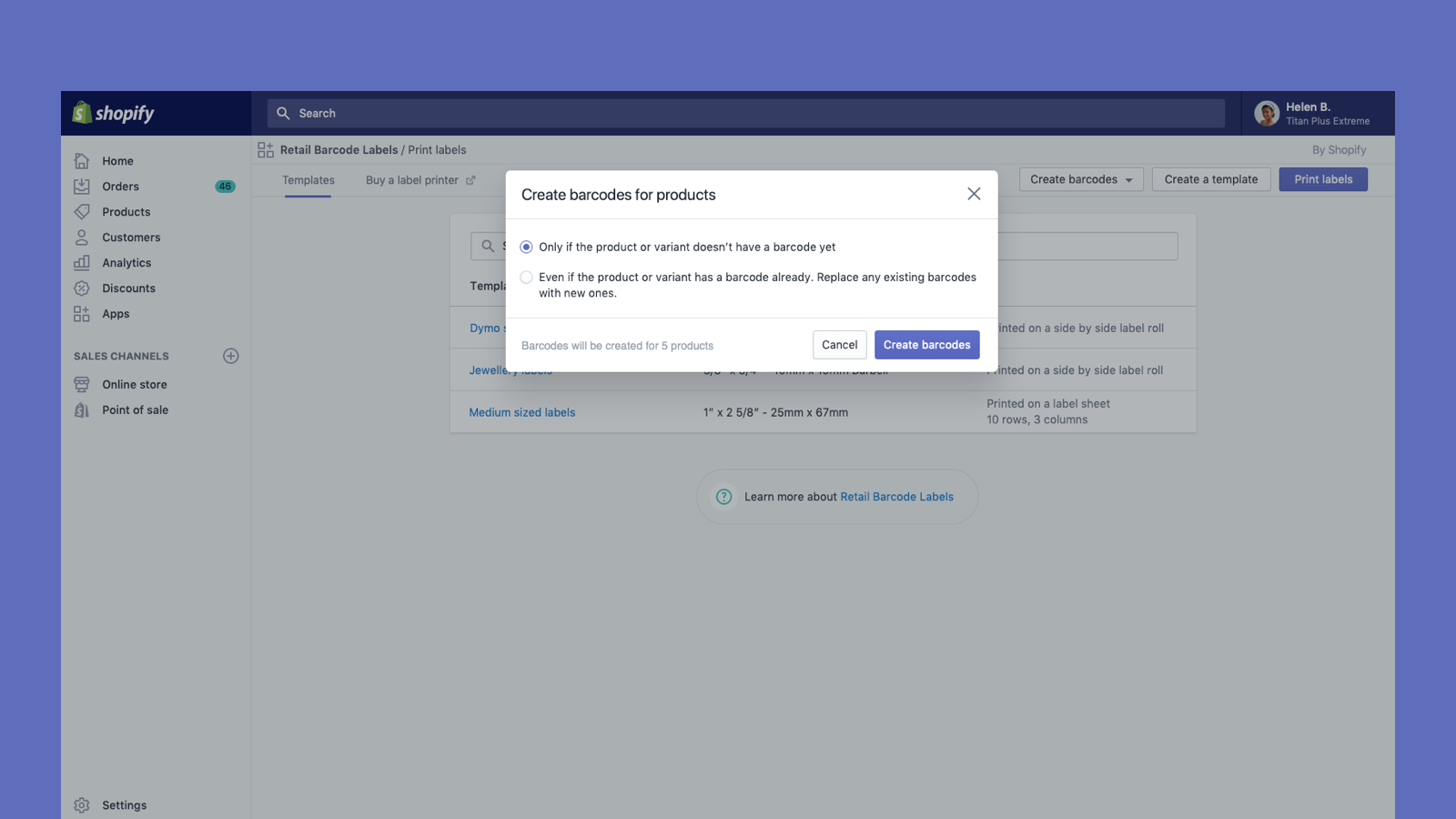

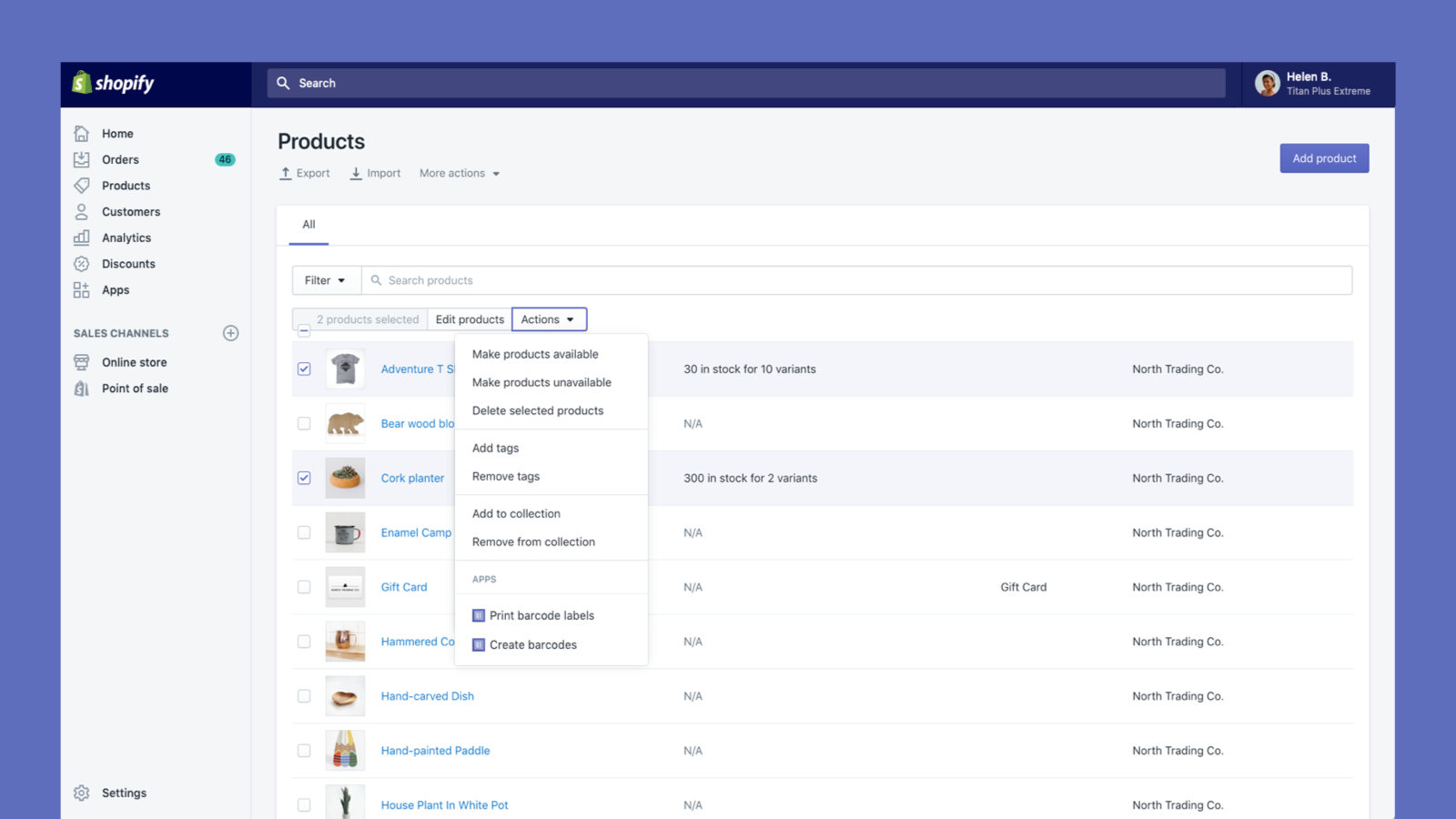
Create and print barcode labels for your products
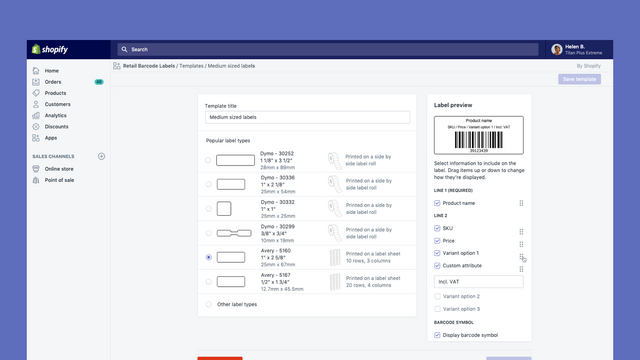
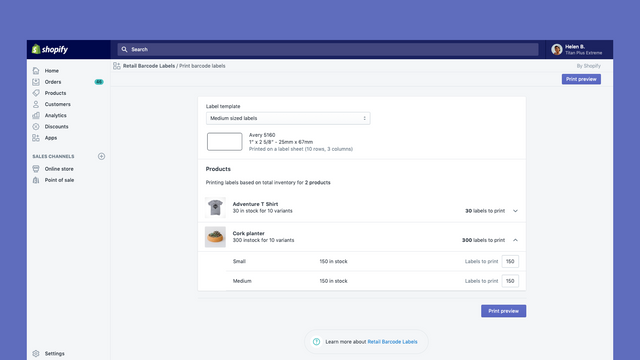
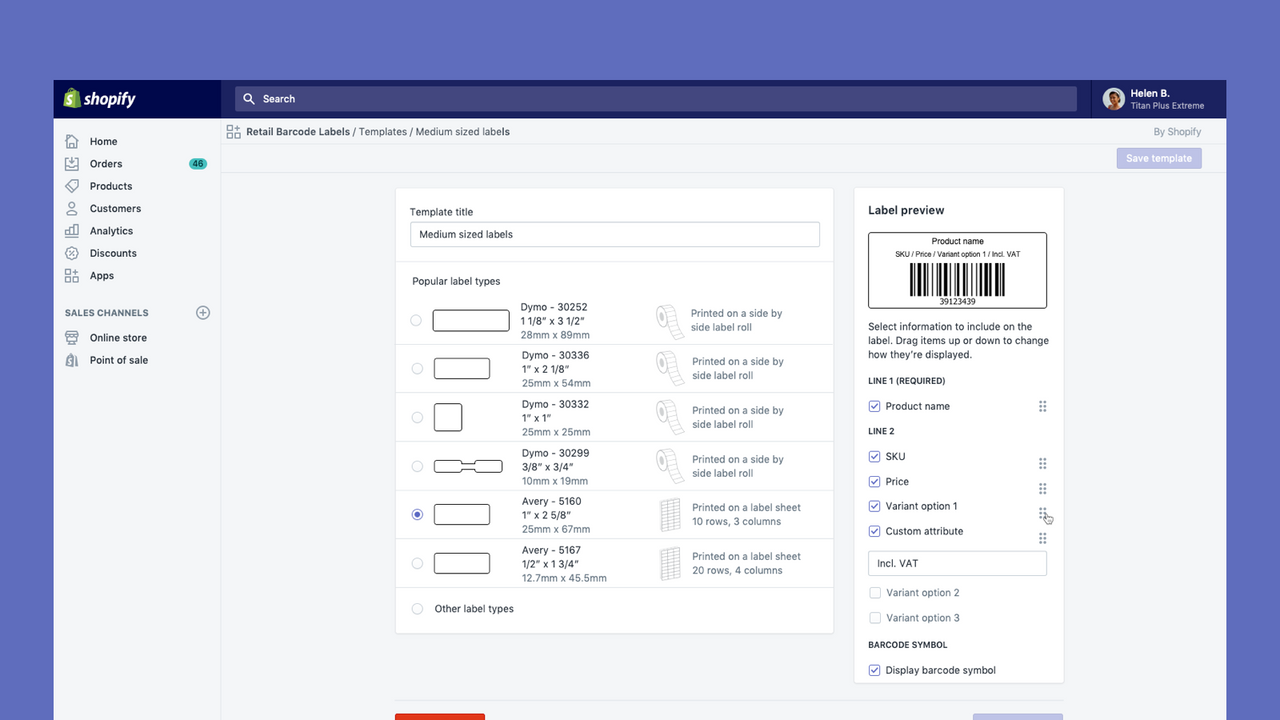
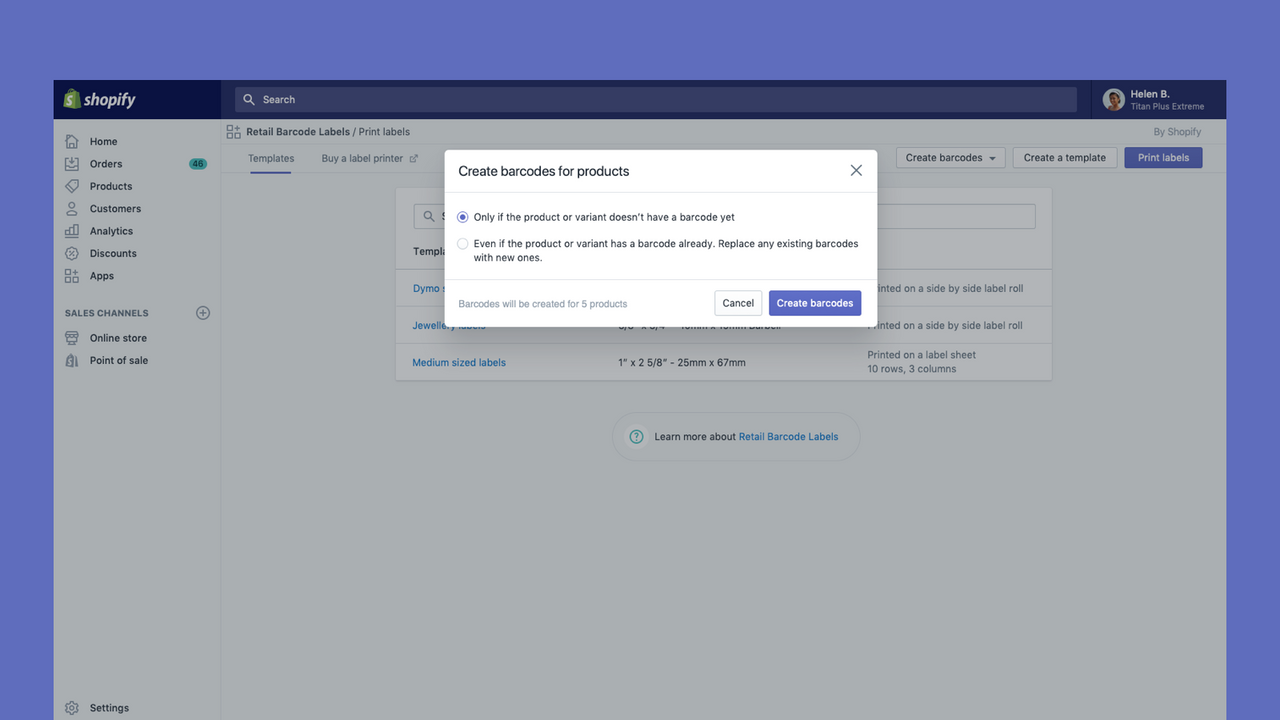
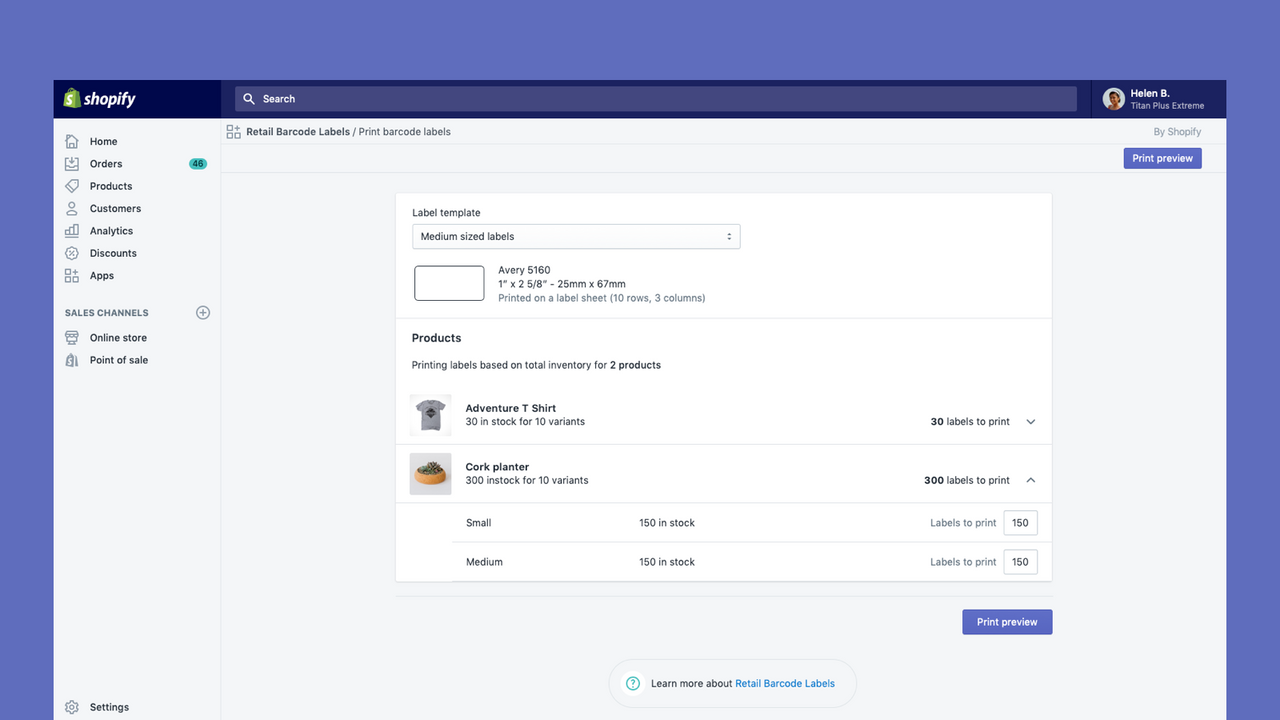
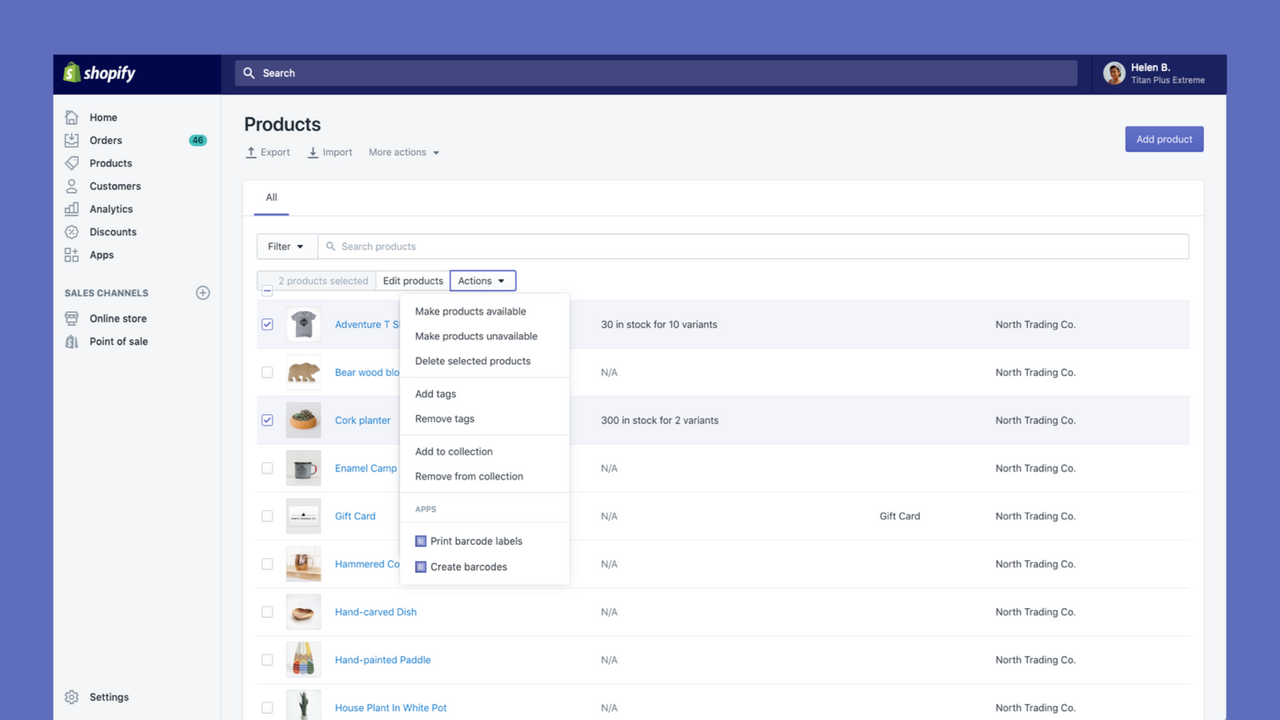
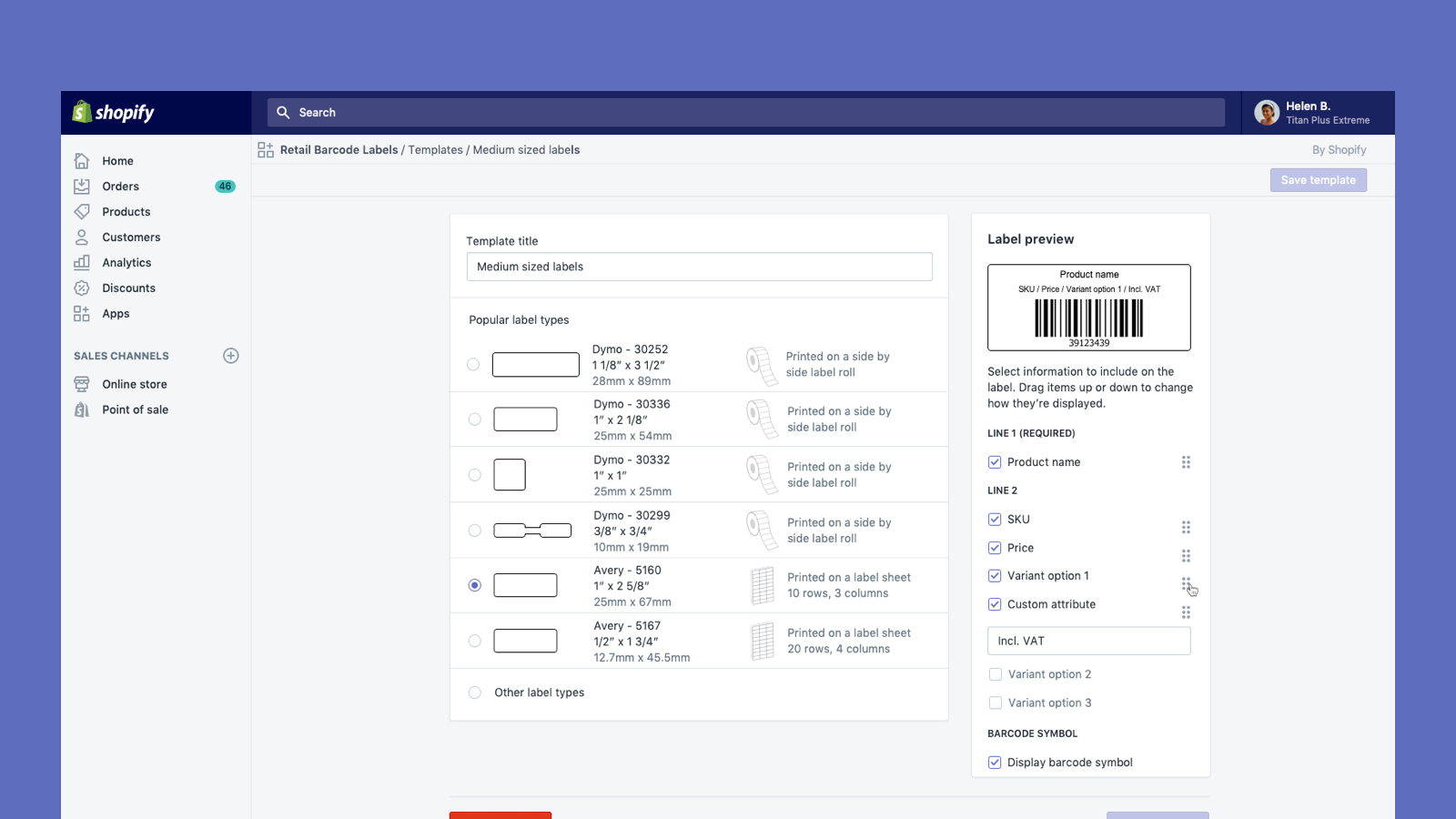
Retail Barcode Labels allows you to easily generate and print barcode labels for your products. Use the app to create label templates to suit your different products and applications. Create templates and print labels on popular paper types from Avery, Dymo, and Zebra’s ranges, including label sheets. Retail Barcode Labels supports any printer currently installed on your computer or network, including secure air-printing from mobile devices. Print labels in bulk with ease and improve your stock
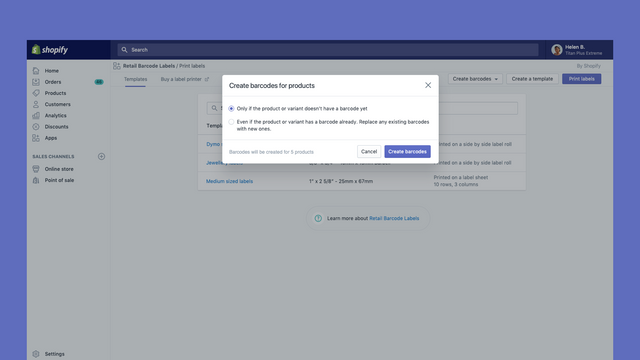
- Automatically generate Code-128 barcodes for any or all of your products.
- Create custom barcode labels with prices, SKUs, variants, and much more.
- Works with Dymo Label, Zebra printers or laser/inkjet printer with Avery Labels.
- Popular with stores like yours
- Based in United States
Languages
English, Danish, German, Finnish, French, Italian, Japanese, Korean, Dutch, Norwegian, Polish, Portuguese (Brazil), Portuguese (Portugal), Swedish, Thai, Turkish, Vietnamese, Chinese (Simplified), Chinese (Traditional), Spanish, and Czech
Works with
- Shopify Admin
Categories
Editable resources
Actions
Reviews (462)
I love this app, however, I am extremely displeased about the current font change. Please change it back ASAP or allow us to choose our own font. I absolutely hate that now all my labels do not match and I am literally given no choice in the matter. Please change it back or allow us to choose our own font STAT.
Hi there and thank you so much for sharing this feedback! I understand changes to font may not be ideal and rest assured I have relayed that feedback to our development team - thanks for flagging and for the suggestion of being able to choose your own! If you have encountered a specific technical issue due that change, not just a display issue, please do feel free to reach out to our Retail support team via help.shopify.com and we can investigate further for you as well.
- Natasha, Shopify Support
The app works great but I would like for a specific feature. I would like for the dymo price tags to be editable. I do not want the price to show since my products are dynamic. Please let me edit it please.
```
Dymo - 30299 Price Tag
3/8" x 3/4" - 10mm x 19mm
```
If you give me access to yalls codebase for this app I'll do it myself too for free, just give me this feature for my store. Thank you!
- Abraham
Hey Abraham. Thanks for the 3 stars and the enthusiasm! On the smallest Dymo size (3/8" x 3/4"), the in-app template has limited fields, so dropping the price isn't always possible there. For full control, you can design a custom layout in the standalone Dymo Label software: start with a blank layout, add just the barcode and text fields you want (leaving price off), then merge your exported product CSV. The Dymo Label software guide on help.shopify.com walks through it.
WORKS GREAT FOR SIMPLE LABELS AND WILL ASSIGN BARCODE SKU #'S FOR YOU IF YOU HAVENT ALREADY ASSIGNED YOUR OWN. JUST CONNECT YOUR THERMAL PRINTER AND SELECT THE PRODUCTS YOU WANT TO PRINT THE TAGS FOR AND BAM...YOU GOT TAGS!! WITHOUT HAVING TO DO ALL THE WORK ON YOUR OWN.
Support
App support provided by Shopify.
Resources
Launched
December 3, 2018
Data access
This app needs access to the following data to work on your store. Learn why in the developer's privacy policy .
View staff and contributor data:
Store owner
-
Store owner
Name, email address, phone number, physical address
View and edit store data:
Products
-
Edit products
Inventory, products, collections
-
View other data
Locales, Shopify Markets settings, translations
Featured in


More apps like this


Meets our highest standards for performance, design, and integration. Learn moreOpens in new window

Meets our highest standards for performance, design, and integration. Learn moreOpens in new window


